Home › How it works
AY 2026-27
How BharatTax works, screen by screen
Every image below is a photograph of the running application, taken by a script that drives it the way you would. The assessee is invented and so is every figure — the software is not.
Step 1
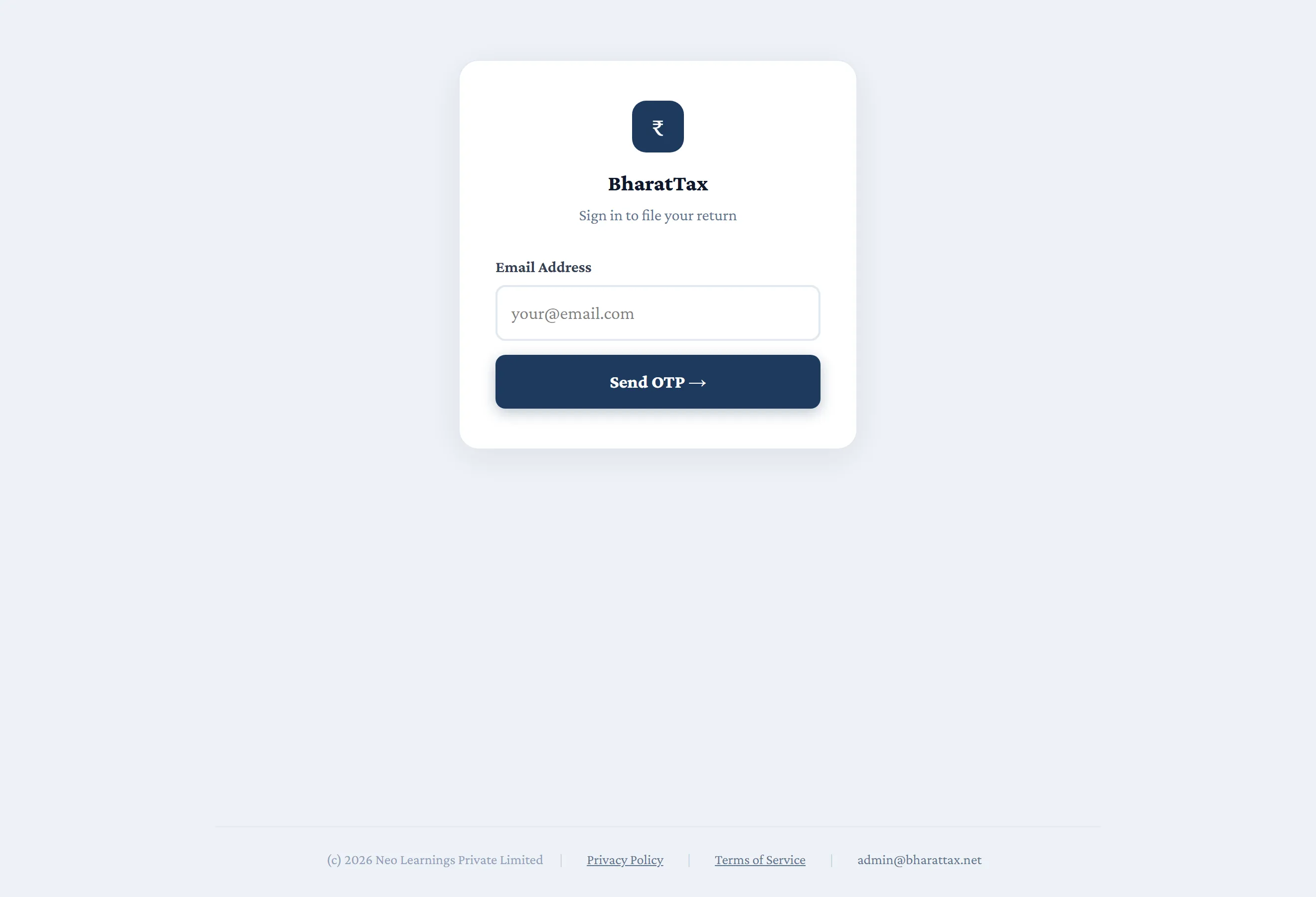
Sign in with a one-time password
No password to remember or to lose. Enter your email address, receive a one-time password, and you are in.
One login can hold up to ten assessees — a spouse, a parent, a Hindu Undivided Family — and you switch between them without signing out. A chartered accountant filing for clients works in the practice module instead, where the client master supplies each assessee.
Step 2
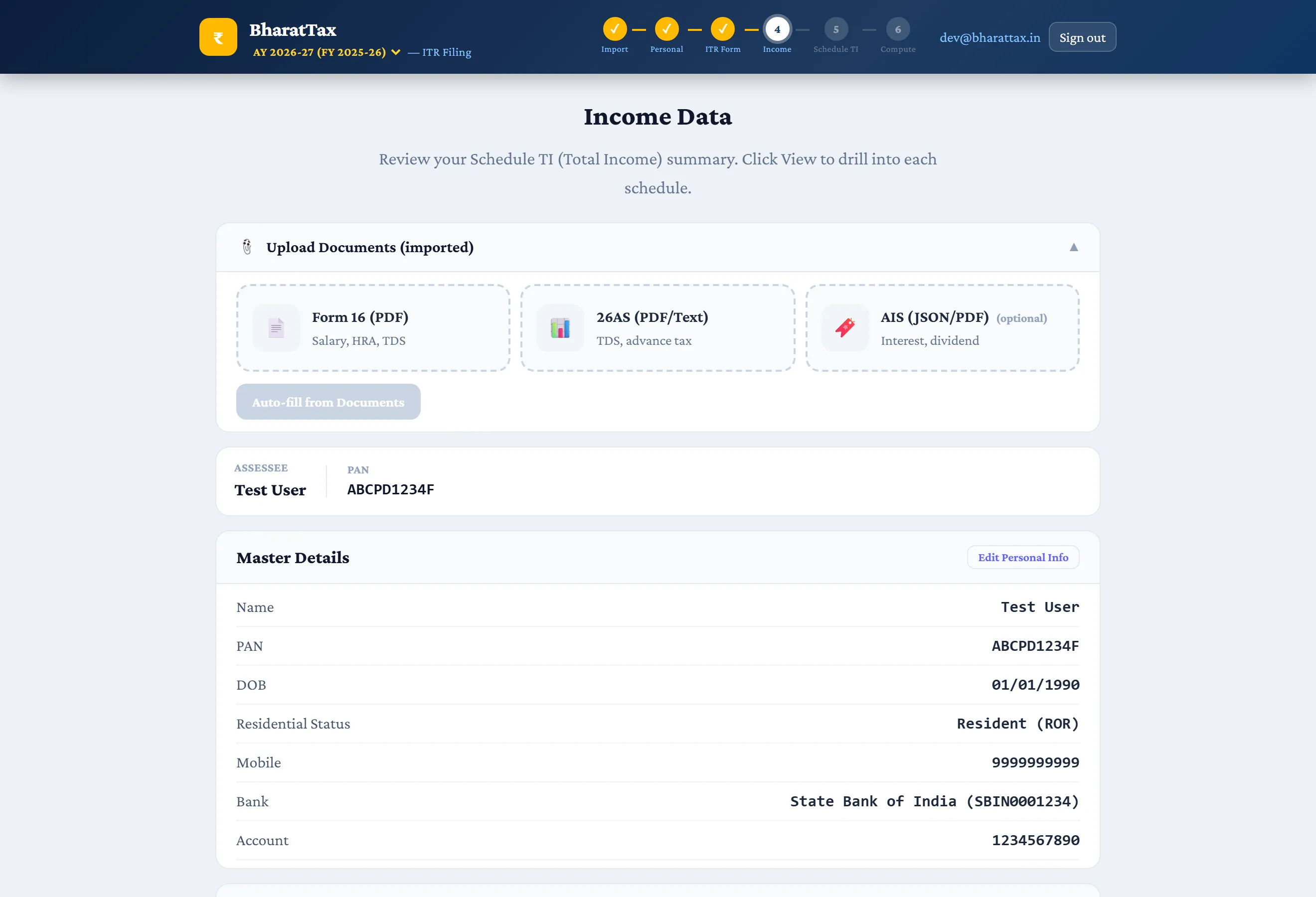
Upload Form 16, Form 26AS and the AIS
Three documents describe your year. The Form 16 your employer issued carries the salary breakup in Part B and the tax deducted in Part A. Form 26AS carries every deduction made against your PAN by anyone. The Annual Information Statement carries the rest — interest, dividend, securities transactions and reported financial transactions.
The AIS can be uploaded in the encrypted form the portal hands you; there is no need to decrypt it first. Last year’s ITR JSON can be uploaded here too, which brings the master details and the carried-forward losses across.
Step 3
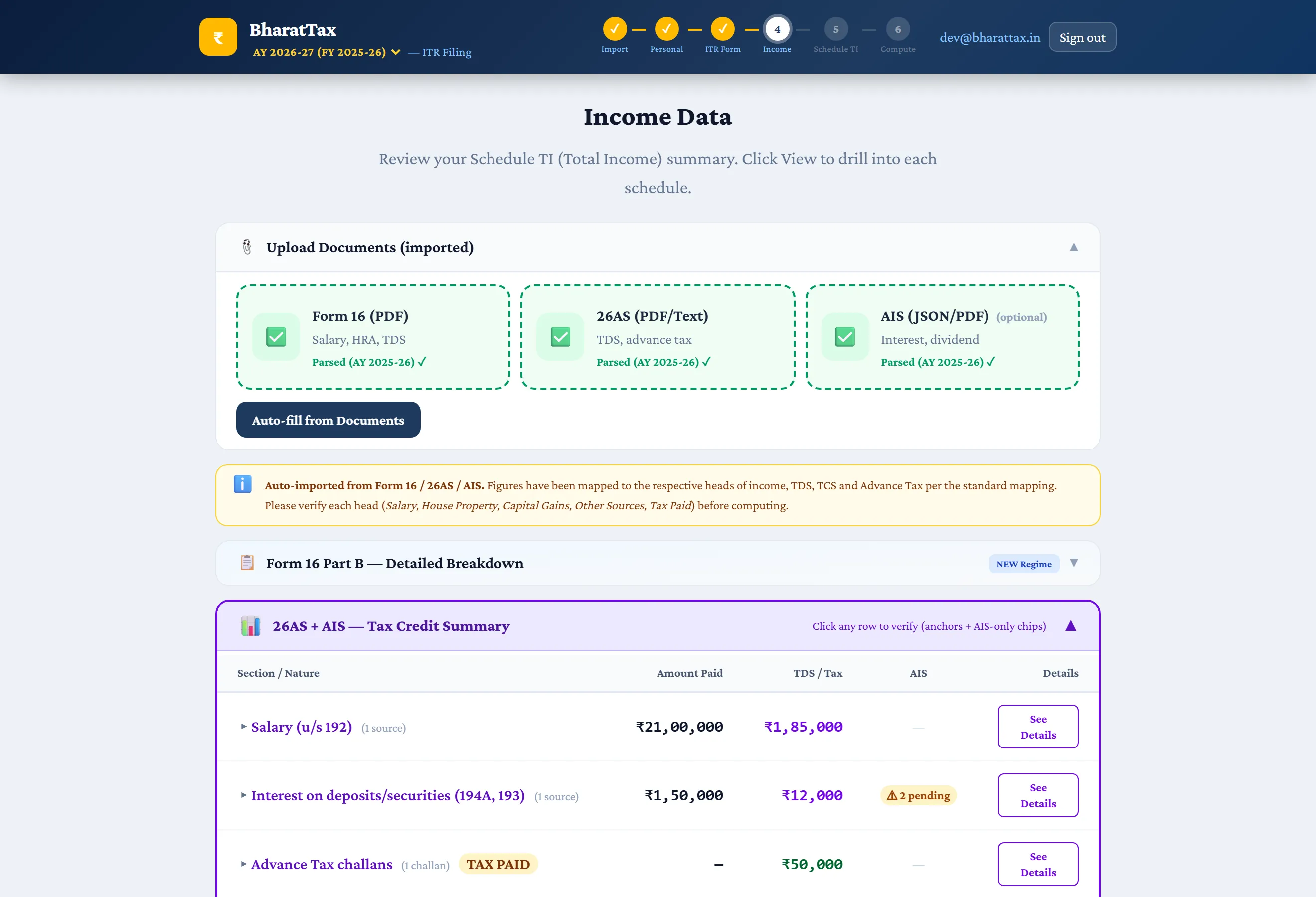
Watch the three documents reconcile
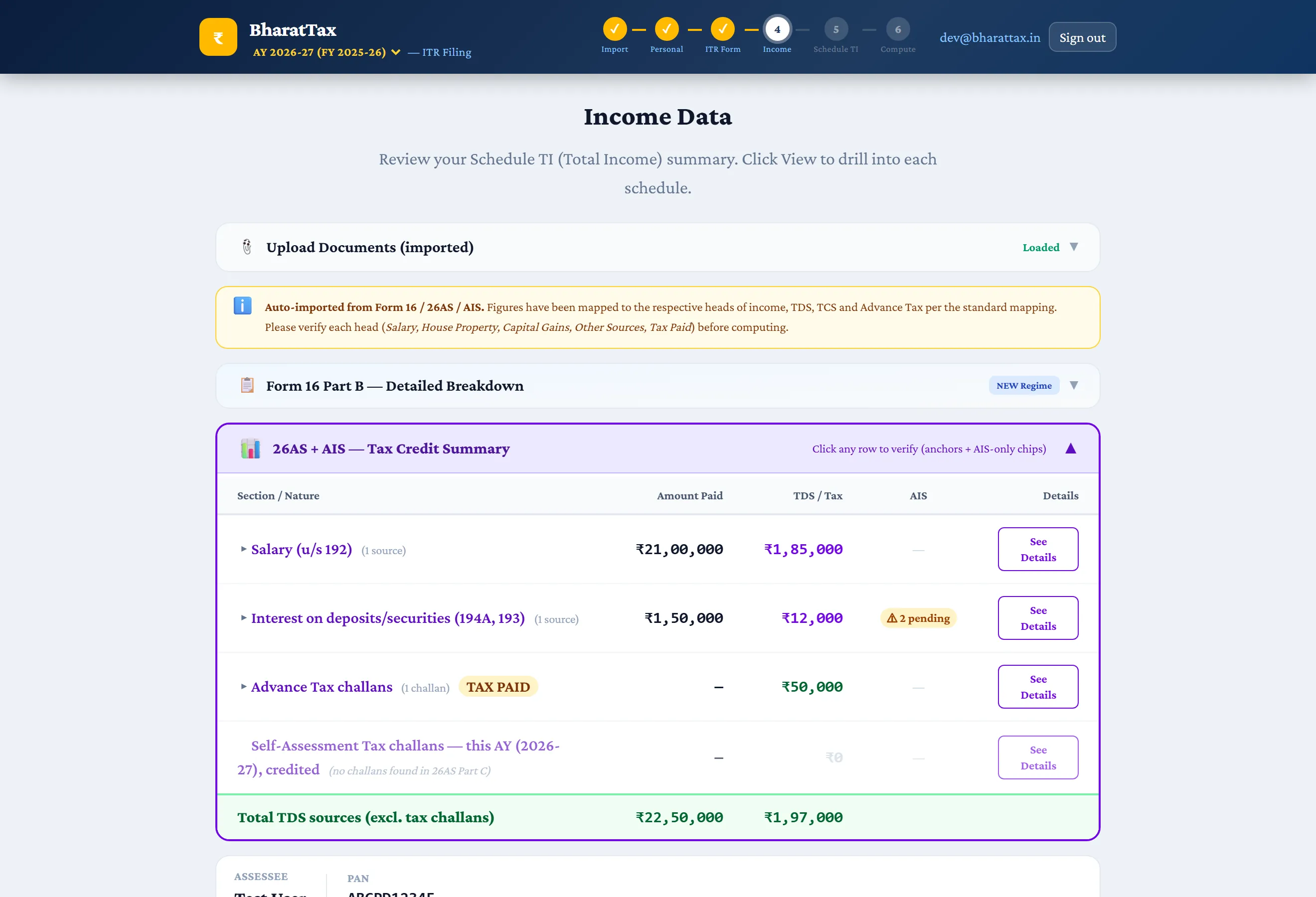
Each source is authoritative for something: 26AS governs tax deducted, the AIS governs gross receipts, Form 16 governs the salary breakup. The tax credit summary puts them side by side, section by section, and flags the rows where they do not agree.
Where two documents differ on the same figure, BharatTax says which one says what and asks you to choose. It does not silently pick one — a mismatch between your 26AS and your return is what brings a notice.
Step 4
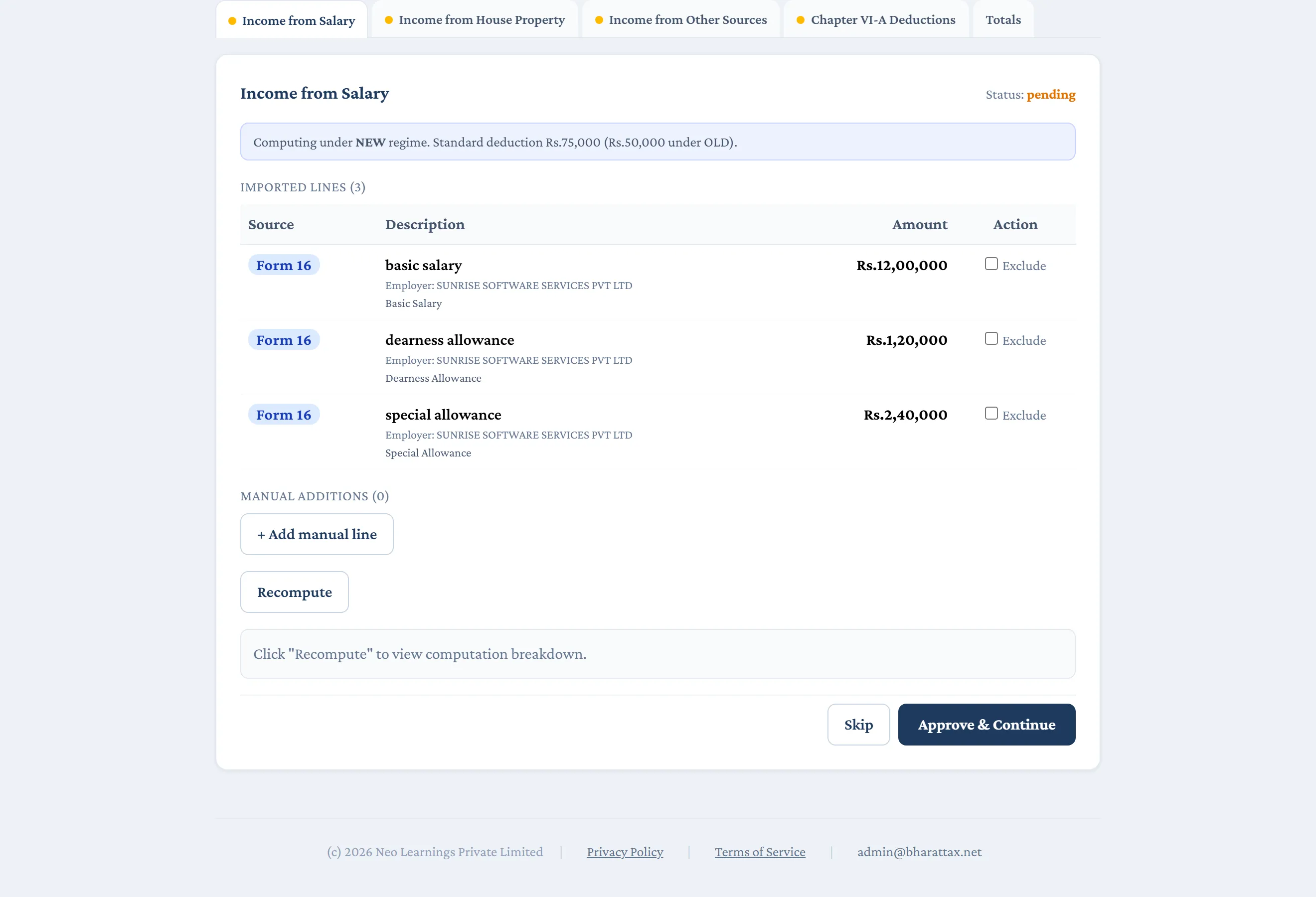
Approve each head of income, line by line
Nothing imported is treated as final. Every line arrives tagged with the document it came from, and you approve it, exclude it, or add one the documents missed.
Salary, house property, other sources and Chapter VI-A each get their own tab, and a head is not settled until you have said so.
Step 5
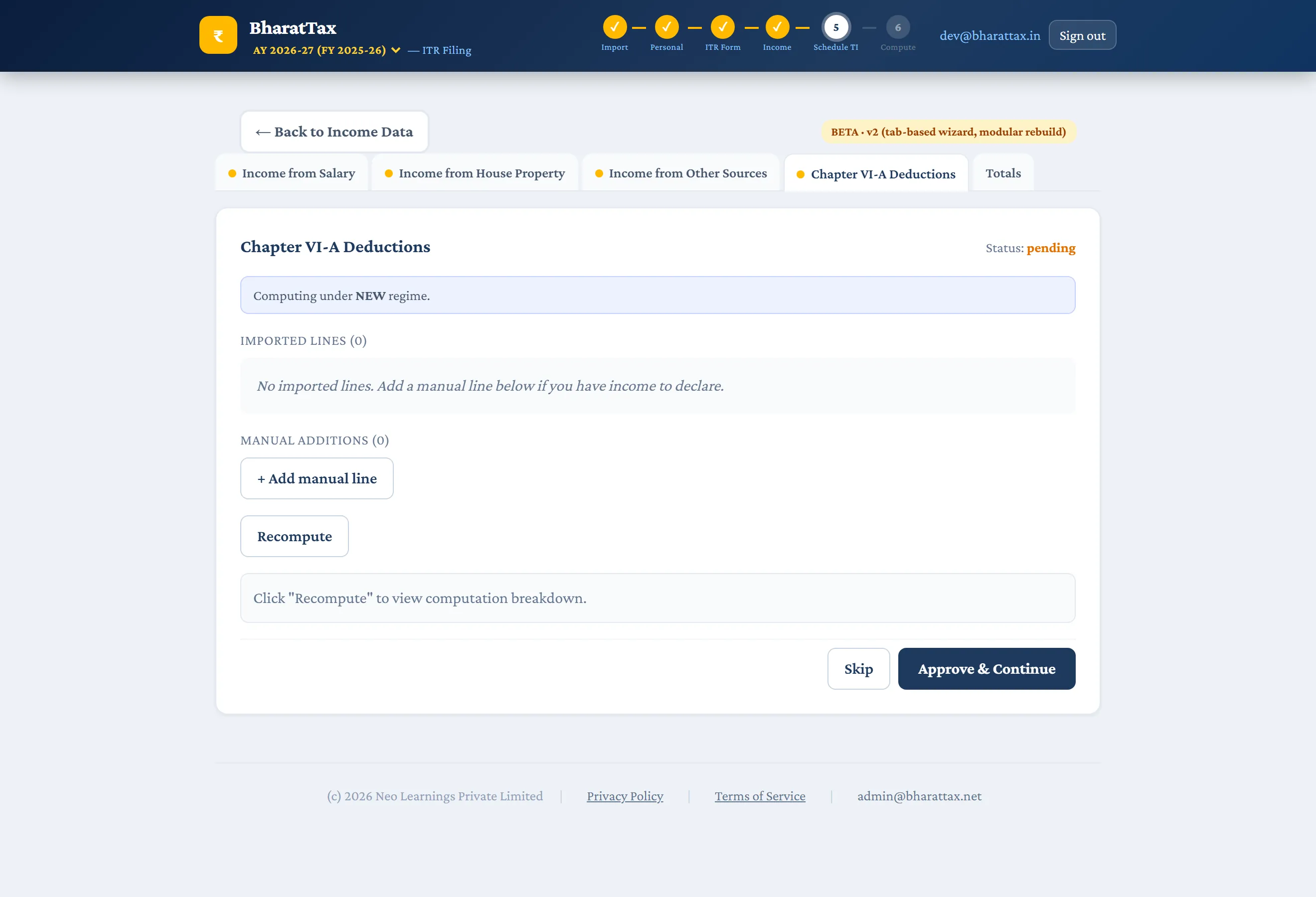
Claim what you are entitled to
Chapter VI-A, with the limits applied as you enter: 80C, 80CCD(1B), 80D with its own split between self, family and parents and its senior-citizen limits, 80G, 80TTA and 80TTB.
Deductions that do not survive the new regime are shown as such, so a claim worth making only under the old regime is visibly that rather than quietly dropped from the computation.
Step 6
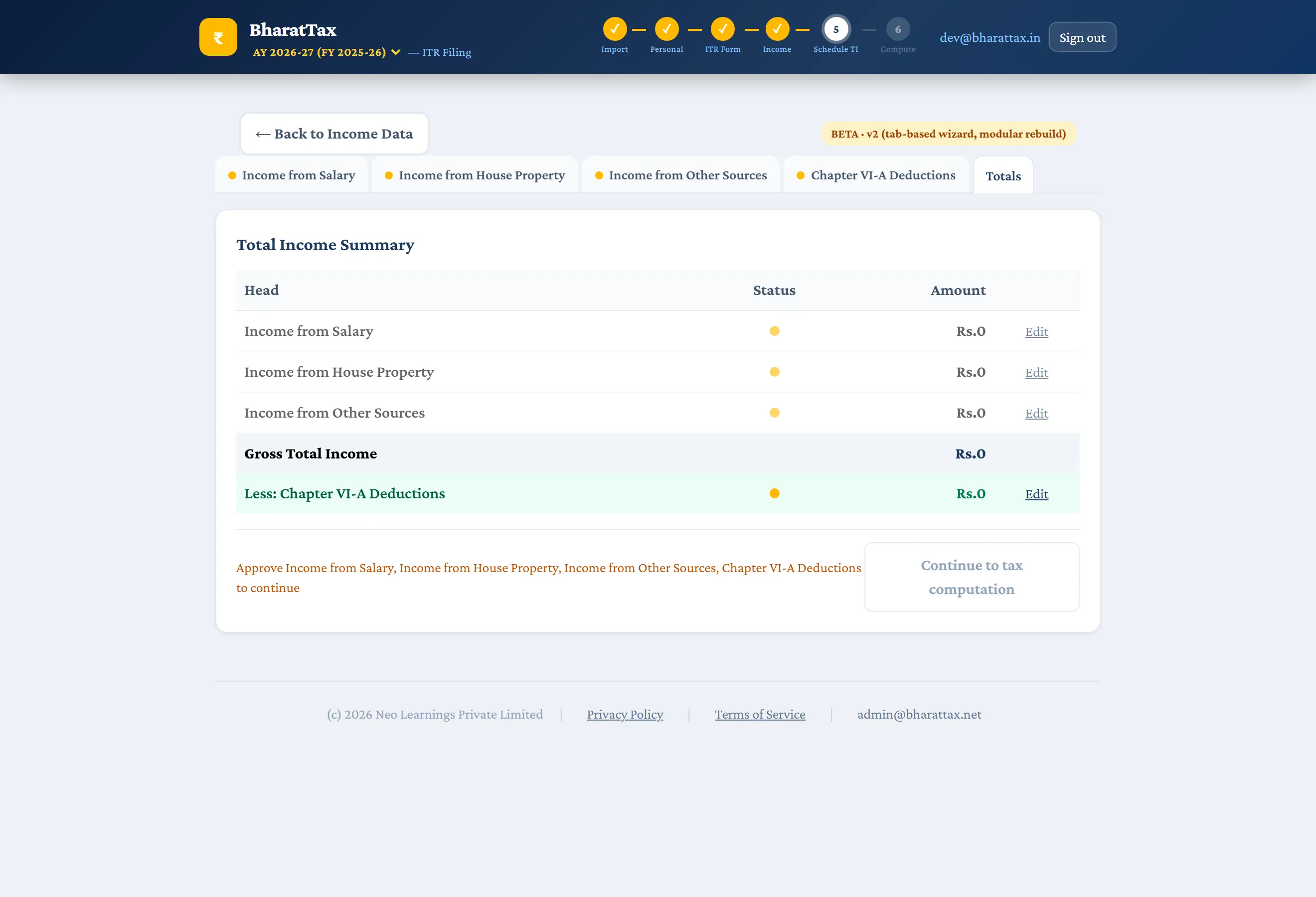
See the totals before anything is computed on them
Every approved head, added up, in the order Sections 70 and 71 require — before a rupee of tax is calculated on it. If a figure is going to be wrong, this is the screen where you catch it.
Step 7
The assembled return
Back on the income data screen the whole return is in one place: master details, each schedule with what it currently holds, and the schedules that are mandatory for your profile flagged as such — Schedule FA for a Resident and Ordinarily Resident, Schedule AL once income crosses ₹50,00,000.
Step 8
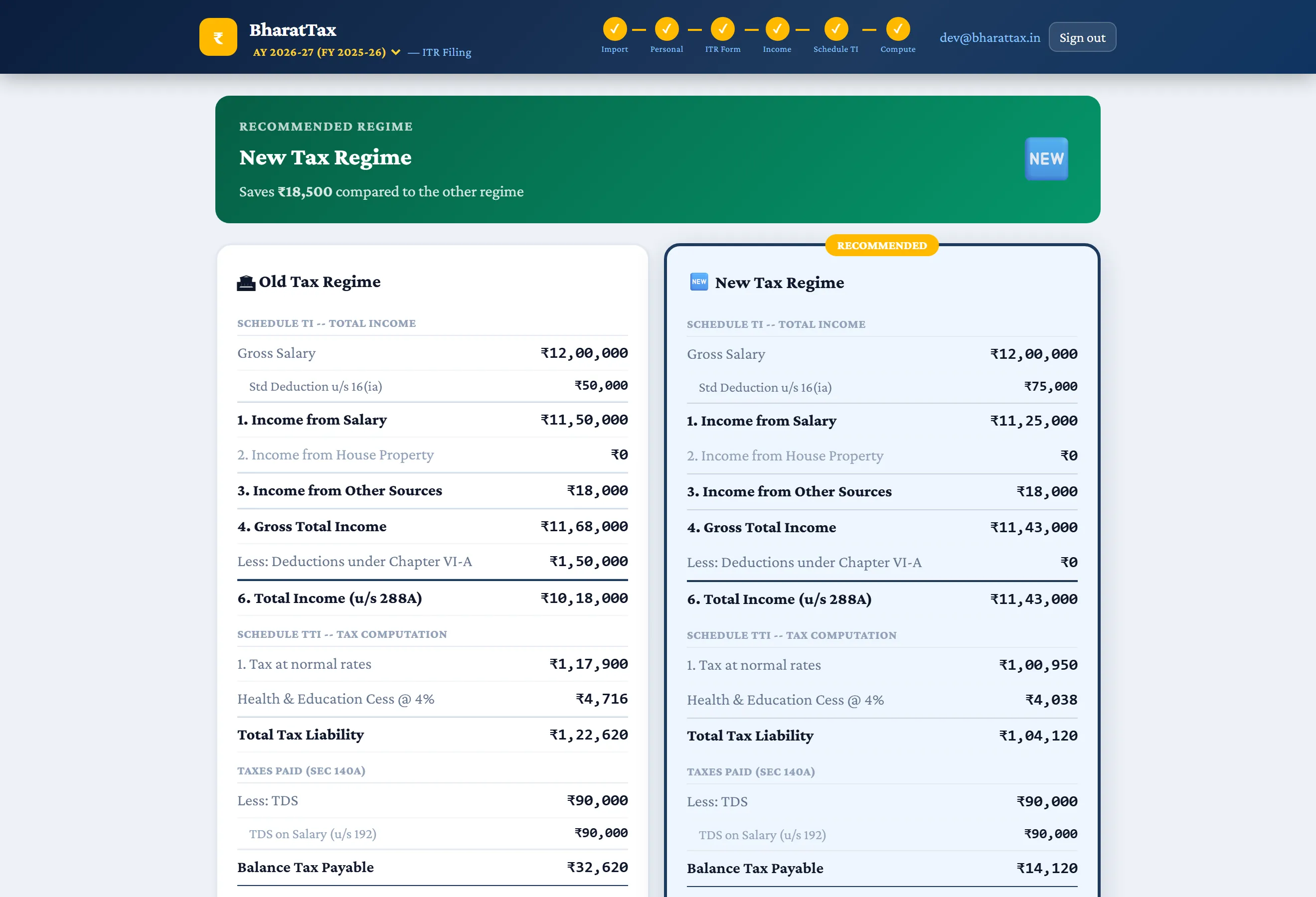
Both regimes, computed and compared
The return is computed twice — once under the old regime, once under the new — with the deductions each allows, rebate u/s 87A, surcharge with marginal relief, and 4% cess. The cheaper one is named, with the difference.
From here come the computation of income PDF, the CBDT form PDF and the ITD JSON for the portal. Every JSON download is validated first, so a return that would be rejected at upload is caught here instead, with the offending fields named. Where CBDT has published a schema file for that form and year (ITR-1 and ITR-4 for AY 2026-27), the JSON is checked against that too; where it has not, the product reports the pair as unchecked rather than as a pass.
That is the whole of it
Eight screens between a Form 16 and a return the portal accepts, with the tax computed both ways and checked against the department’s schema before you ever see the file.